After a photo trip in nature I often come home with several thousand pictures. In wildlife photography this happens quickly, because you want to capture that one special moment, which often lasts only a split second. That is exactly why a lot of material accumulates that has to be sorted through later. Without a clear system, you quickly lose hours or even days because you look at every picture individually and can’t make up your mind. That is why I have created a workflow with which I quickly sort, name and archive my pictures in Lightroom, so that I can concentrate on the best shots.
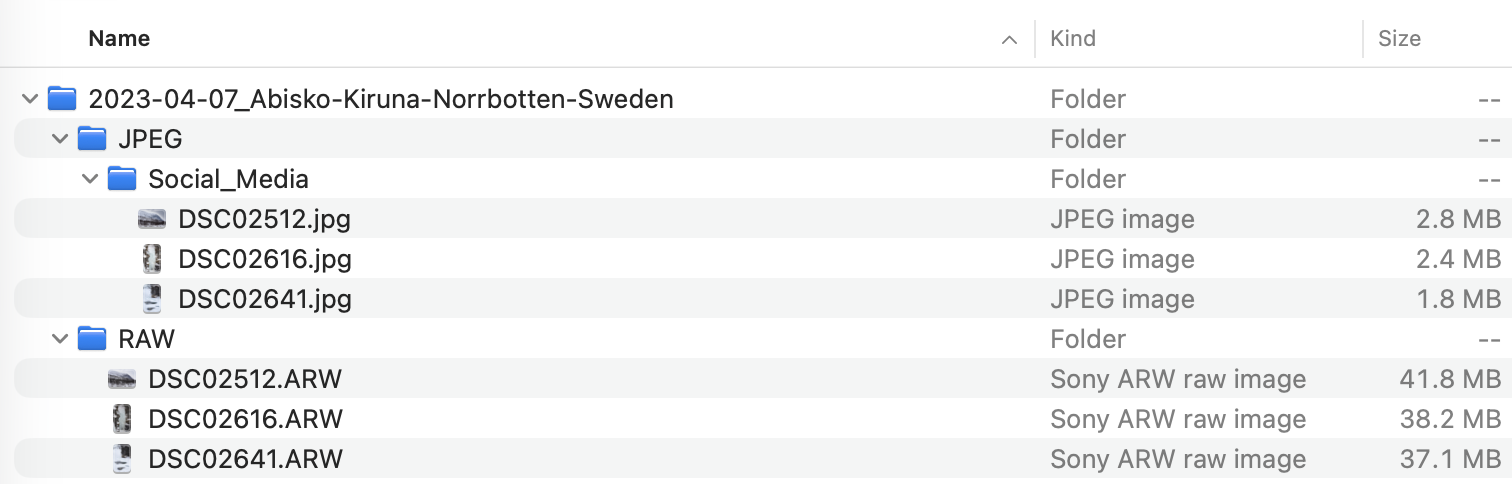
Folder structure with date_location (screenshot)
As soon as I get home, I import all the pictures directly onto my external hard drive. There I create a separate folder for each photo trip. I also make a further backup so that the pictures are saved twice. I name the folder with the date and location of the shoot. This is particularly practical in wildlife photography, because it makes it easy to see later when and where a picture was taken. Sometimes it even helps answer the question of whether animals can be found in the same place at a similar time of year.
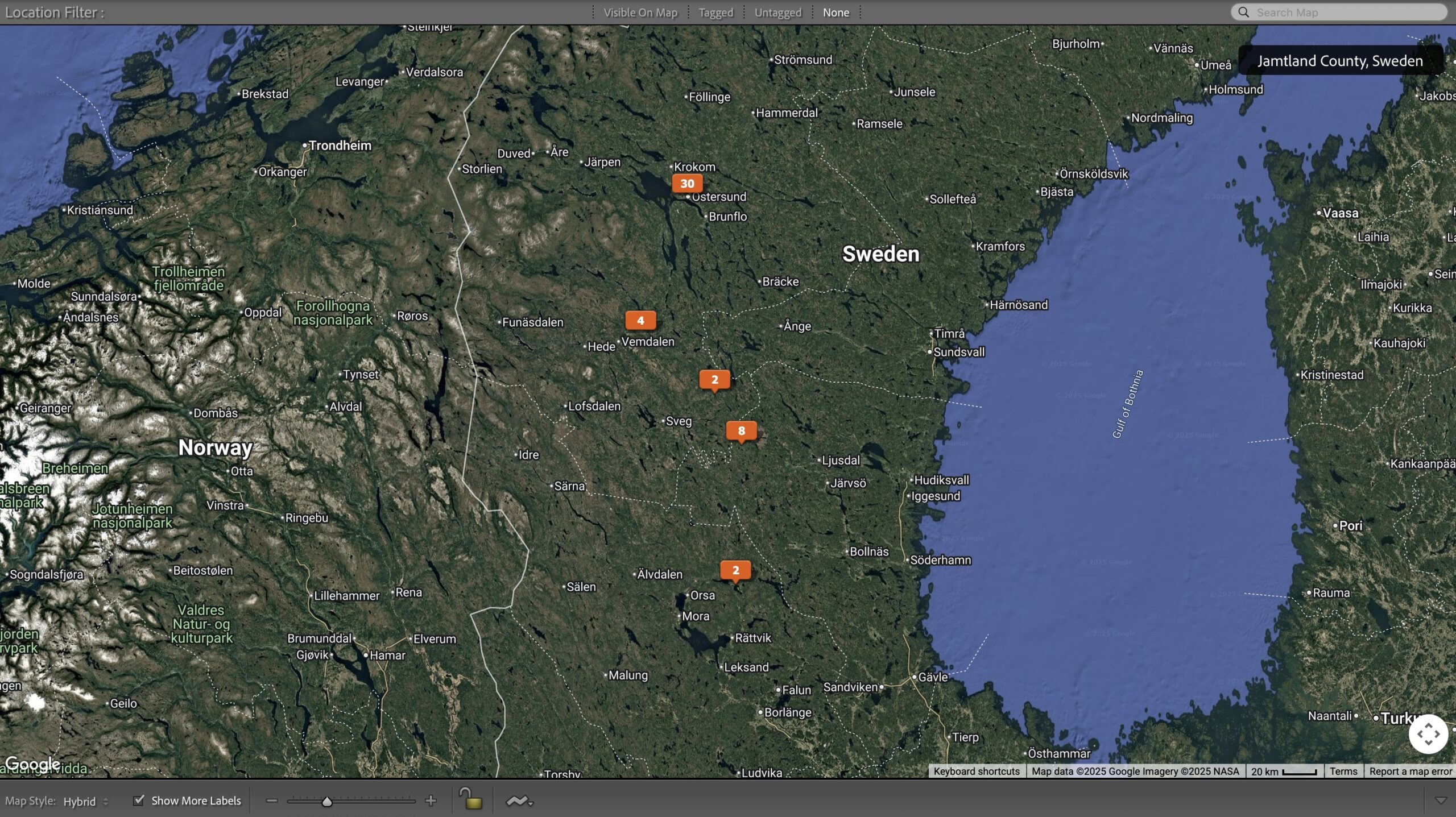
Metadata view with GPS coordinates in Lightroom (screenshot)
If you have a camera with a GPS function, you can save this data directly in the metadata and don’t necessarily need this folder system. In Lightroom you can then search for pictures specifically using the GPS data and sort them thematically into collections instead, for example by species.
As the next step, I load the pictures into Lightroom as previews. Then I start the actual sorting. In a first pass I give each picture a star rating. The following list shows the criteria I use for each rating.
delete, for example blurred or duplicate pictures
still unsure
quality okay, stays mainly as a memory without editing
good quality, will definitely be edited, suitable for social media
rarely given, particularly successful pictures for prints, calendars or competitions
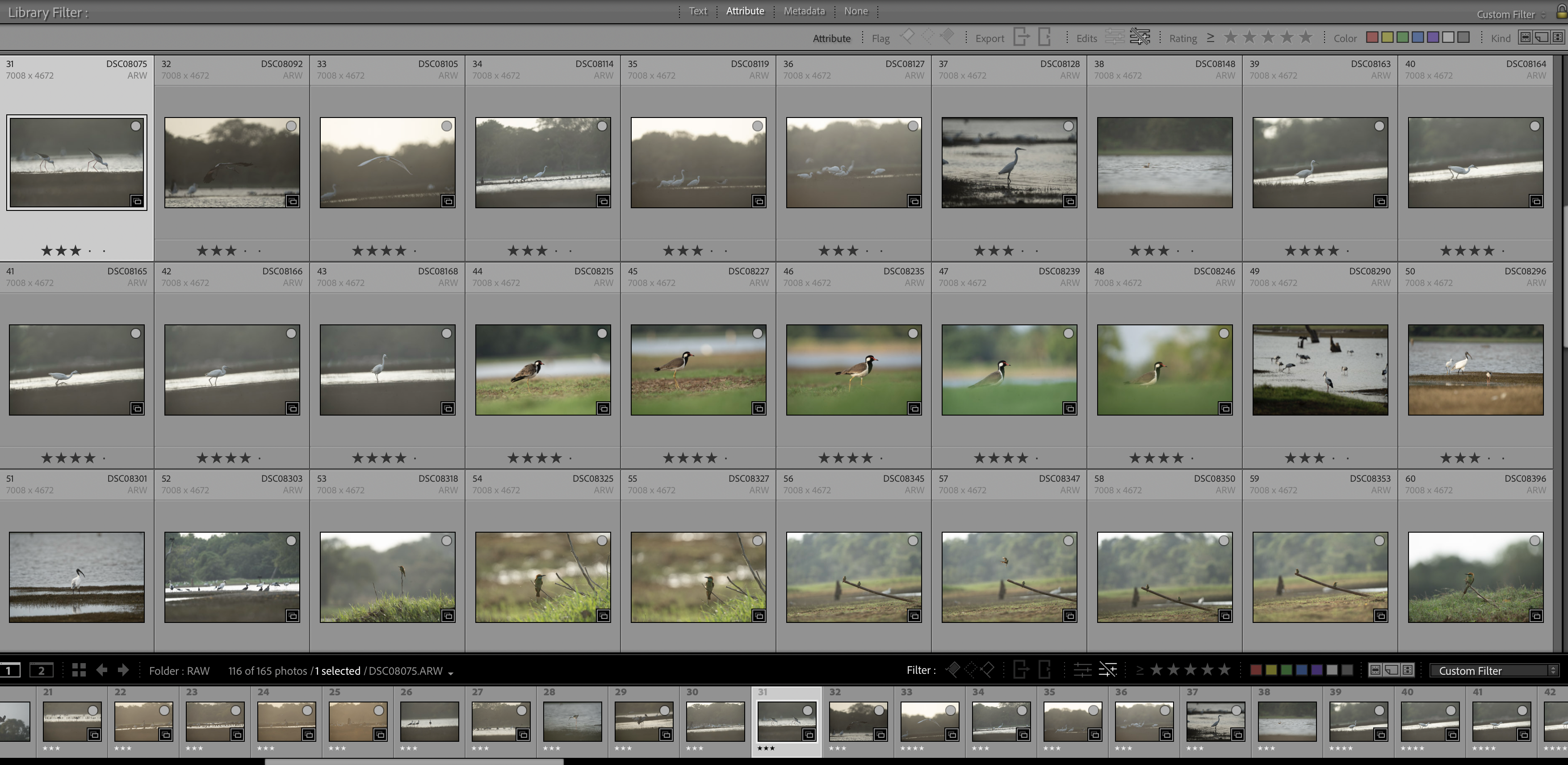
Grid view with RAW photos and different star ratings (screenshot)
In the first pass I decide quickly which pictures to keep and which not. If I waver between three and four stars, I usually give the lower rating, because my hesitation shows me that the picture doesn’t quite convince me. Then I delete all photos with one star.
In the second pass I check uncertain two-star pictures or reconsider my previous ratings. I reassess the higher-rated photos in particular for quality and originality. Pictures that seem superfluous to me get one star and are then deleted.
Once all ratings have been set, I edit the photos with four or five stars. I rarely edit three-star pictures. They usually just serve as nice memories.
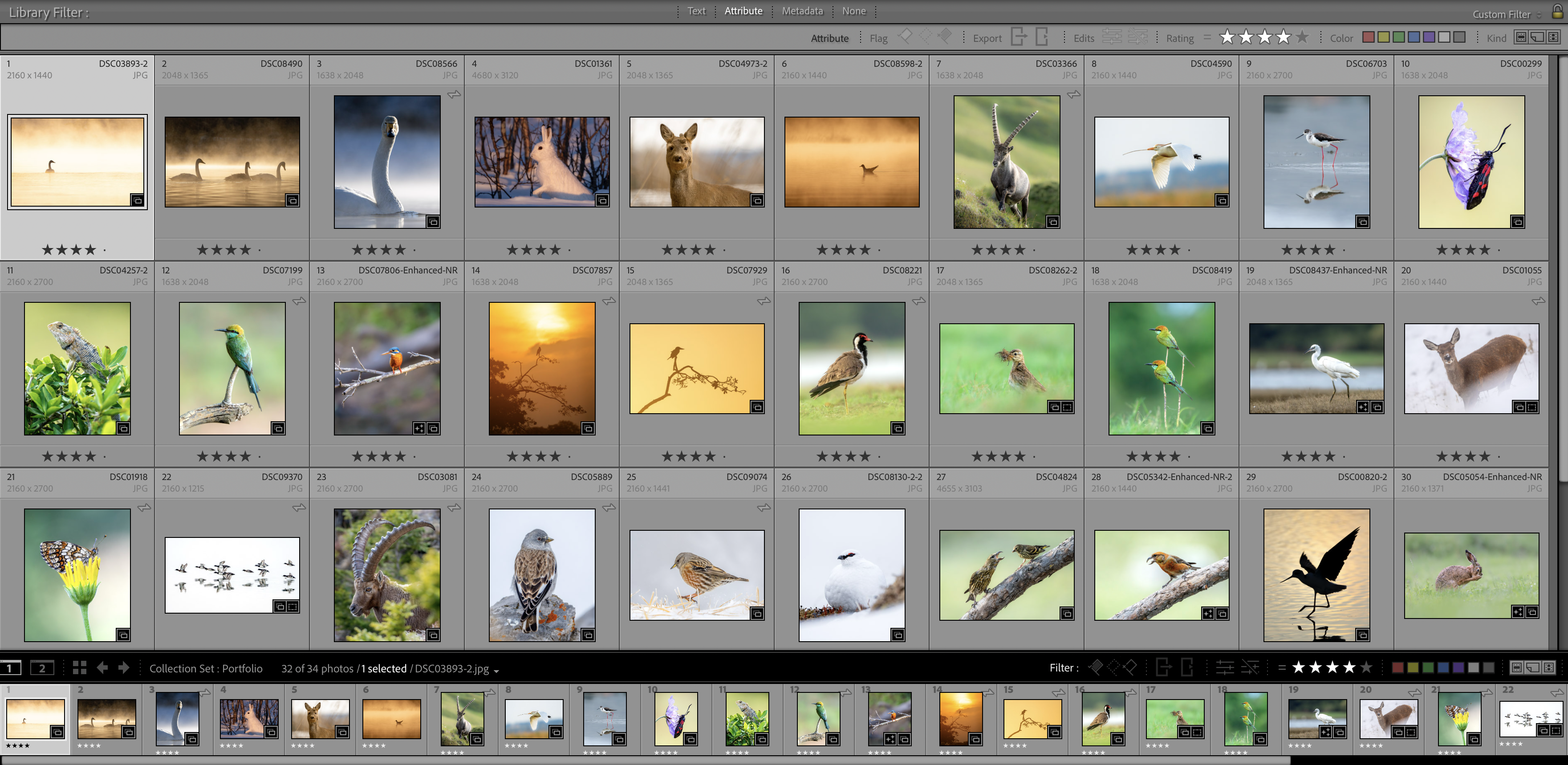
Grid view with JPEG photos, filtered by four-star rating (screenshot)
In Lightroom I filter specifically for four- and five-star pictures so that I can concentrate fully on editing without having to search through hundreds of shots.
My rating system is just one example. The important thing is to find your own system that helps you sort photos quickly and effectively. That way the focus stays on the best shots, and I have more time for what I enjoy most: watching wildlife outdoors in nature.


Leave a Reply