White balance
Colours in photos don’t always look as they do in real life. White balance ensures that your pictures get the right colours, regardless of the light you are photographing in.
Understanding white balance
White balance sounds complicated at first, but it is really nothing more than a setting on your camera that makes sure the colours in your photo look the way you see them in real life. Depending on the light you are photographing in, the picture can otherwise look too warm, i.e. yellowish, or too cool and bluish. This happens because light has different colours. This is called colour temperature. Daylight, for example, is different from the light in your living room or an overcast sky. White balance helps your camera compensate for these differences so that white areas really look white and all other colours look natural. [1]
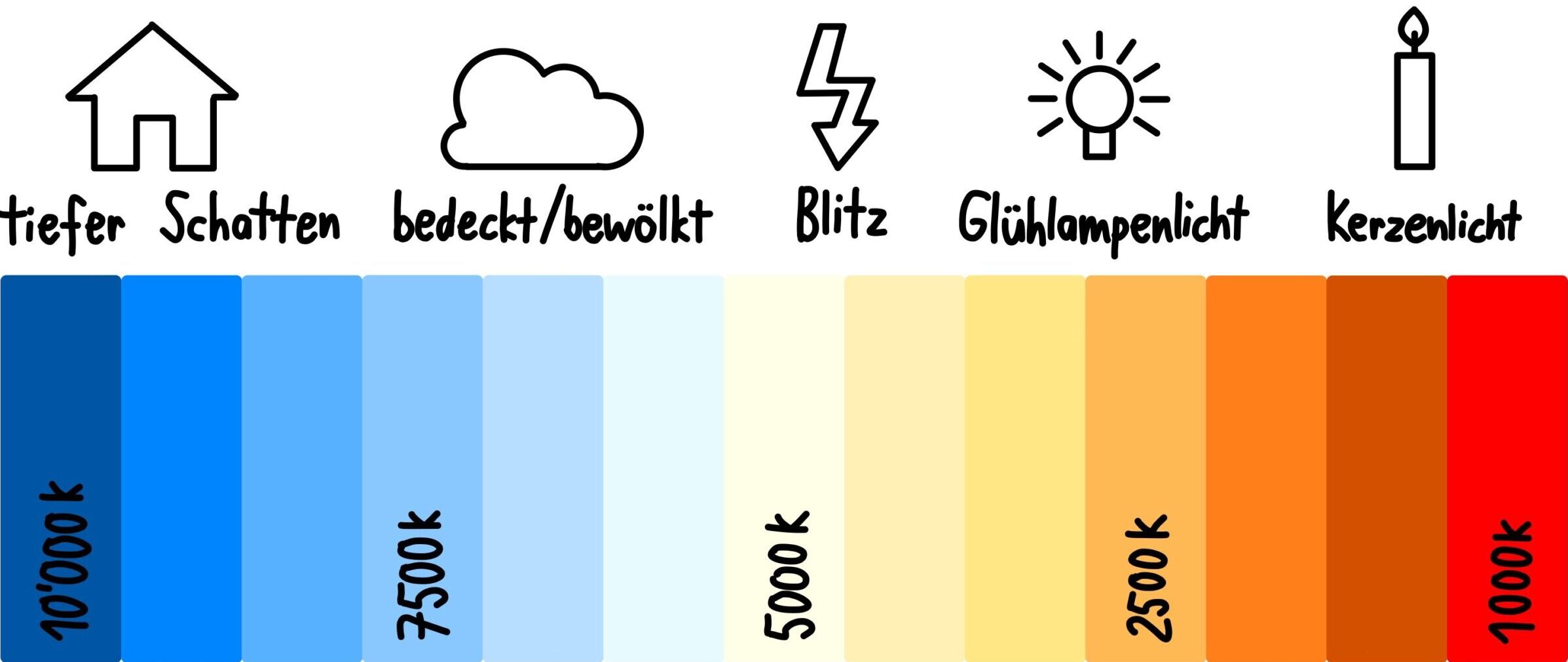
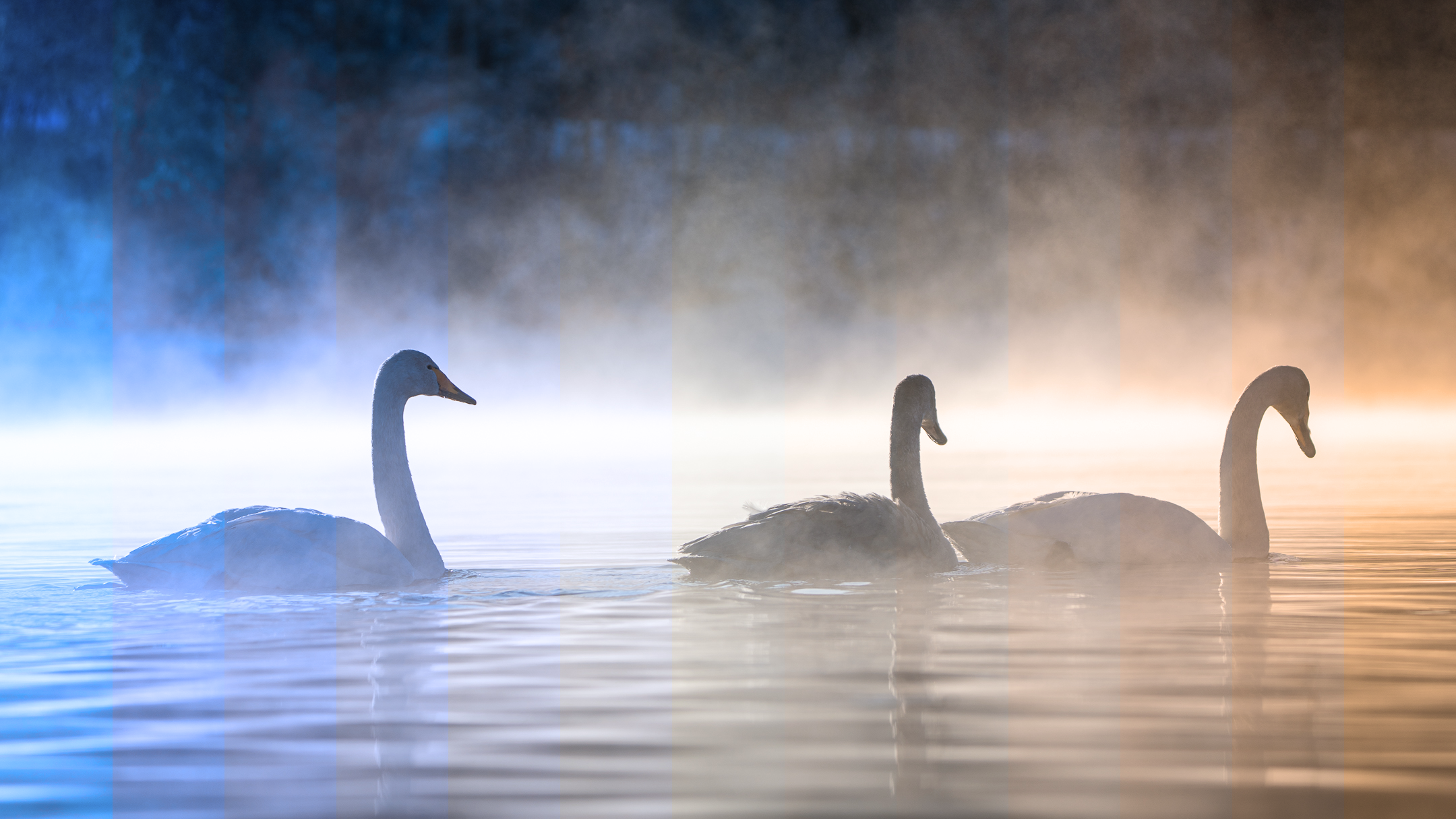
White balance changes the colour temperature according to the lighting situation.
Using presets
Many cameras have practical presets for white balance. There you will find options such as daylight, shade, cloudy or artificial light. These settings are a great help if you want to take a photo quickly and don’t have time to adjust everything manually. They make sure your camera automatically corrects the colours to suit the current light. If you are just starting out, this is an easy way to get better colours. Simply try out the different settings and see how they change your picture. [2]
cool colour temperature during the so-called blue hour
f/6.3 | 1/2500 sec | ISO 3200 | 400 mm
Sony a7 IV | Sony FE 200-600mm F5.6-6.3 G OSS
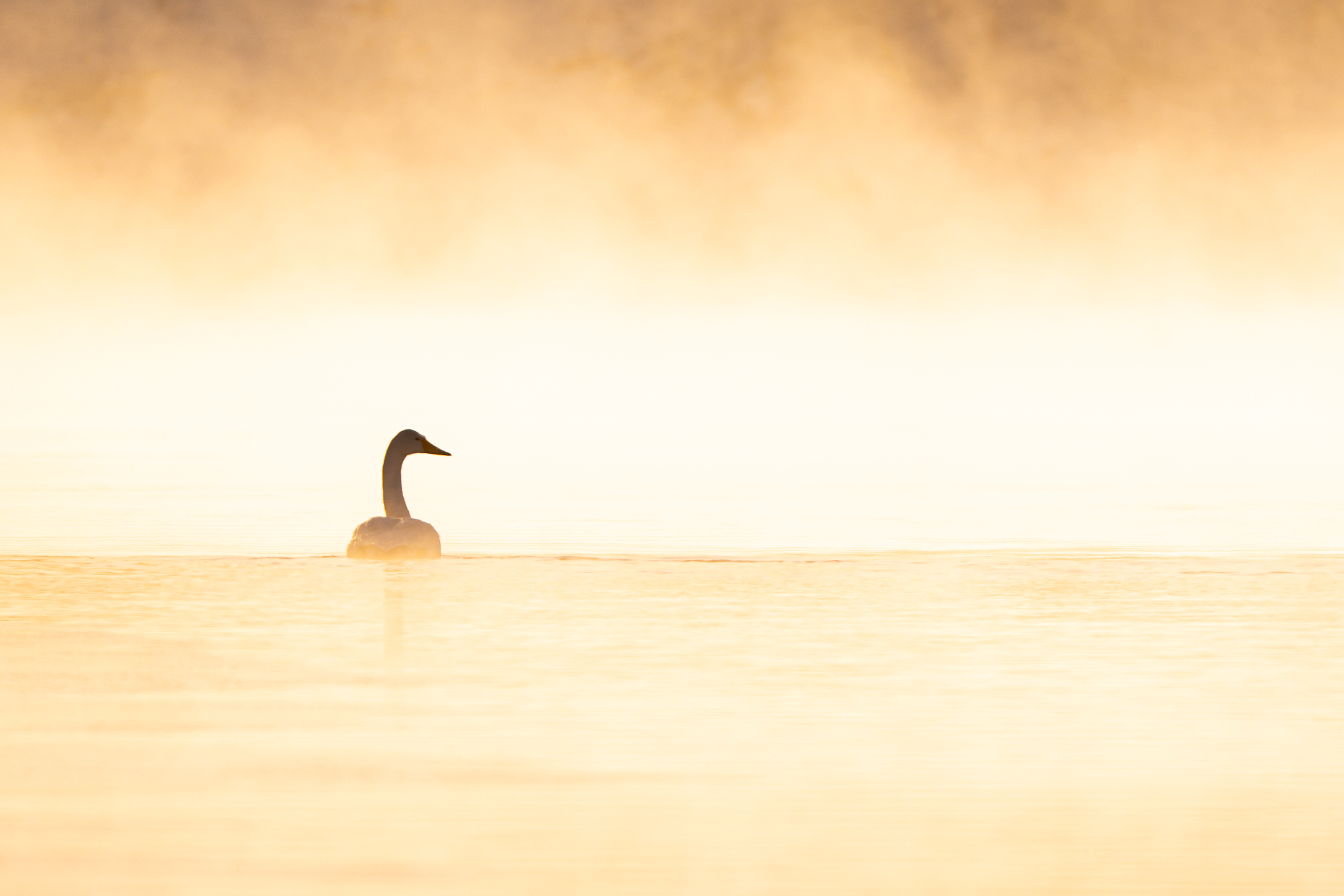
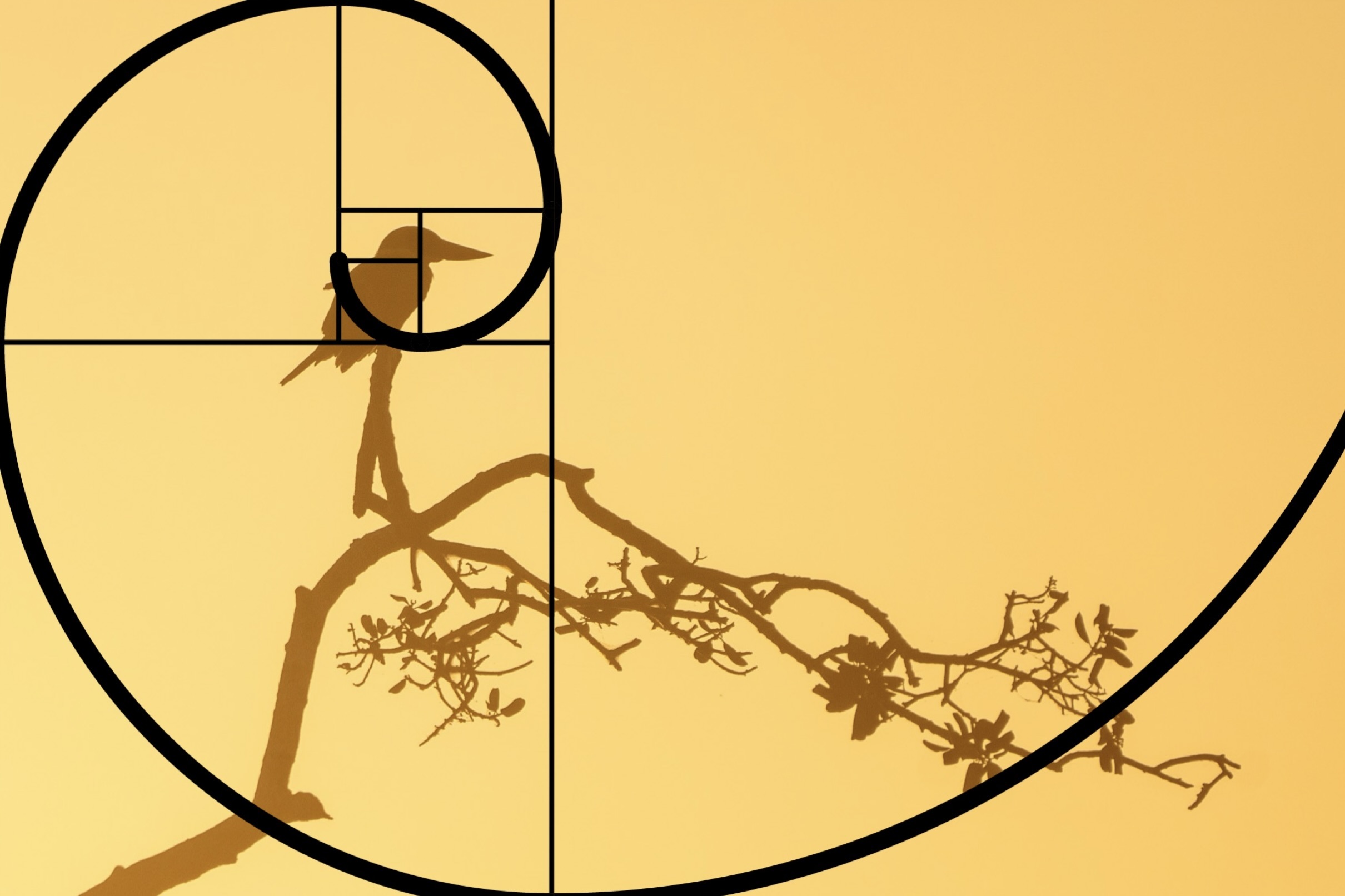
warm colour temperature during the so-called golden hour
f/6.3 | 1/640 sec | ISO 200 | 600 mm
Sony a7 IV | Sony FE 200-600mm F5.6-6.3 G OSS
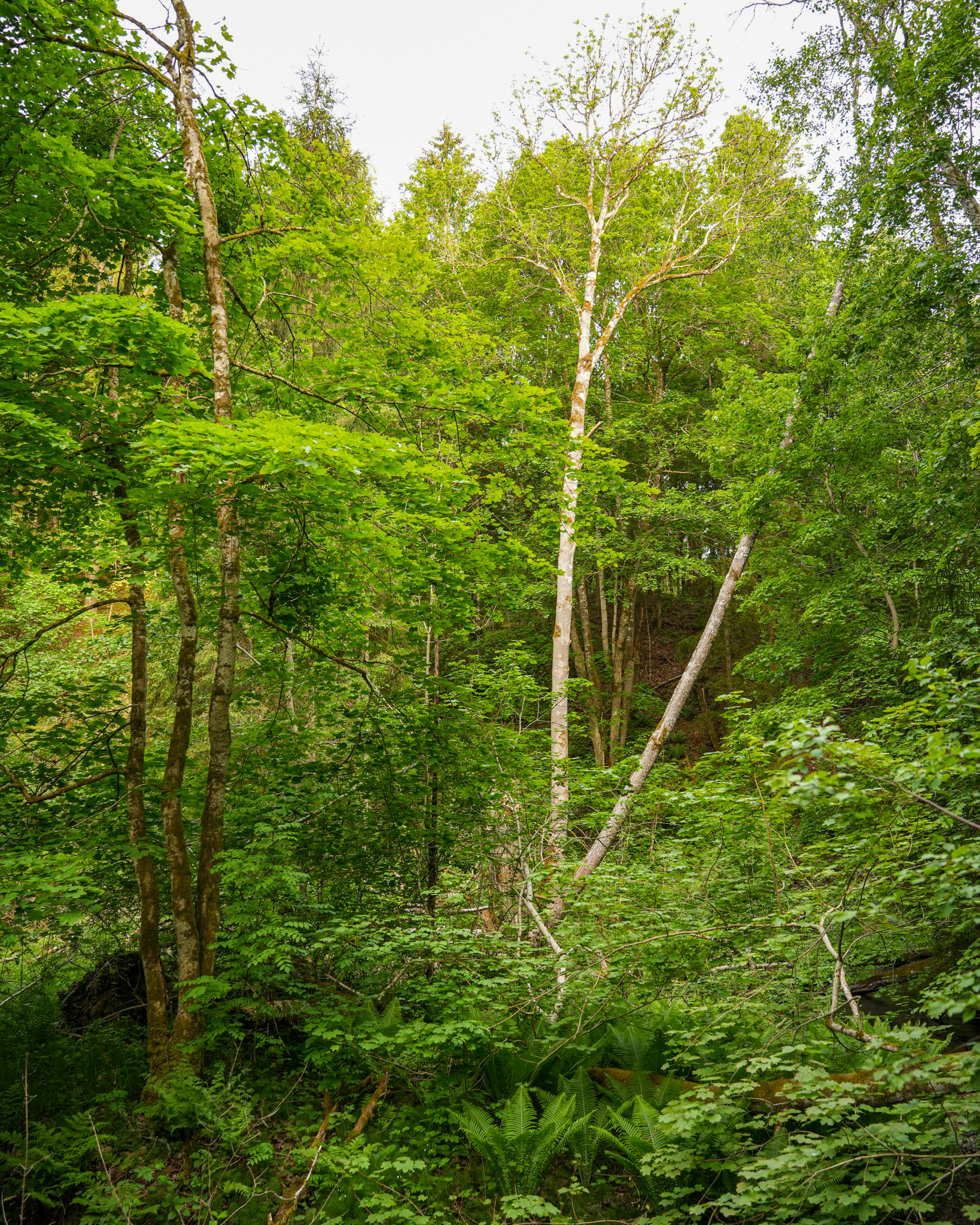
rather warm colour temperature in diffuse morning light (white balance setting morning sun)
f/2.8 | 1/80 sec | ISO 640 | 28 mm
Sony a7 IV | Tamron 28–75mm F/2.8 Di III VXD G2 (Model A063)
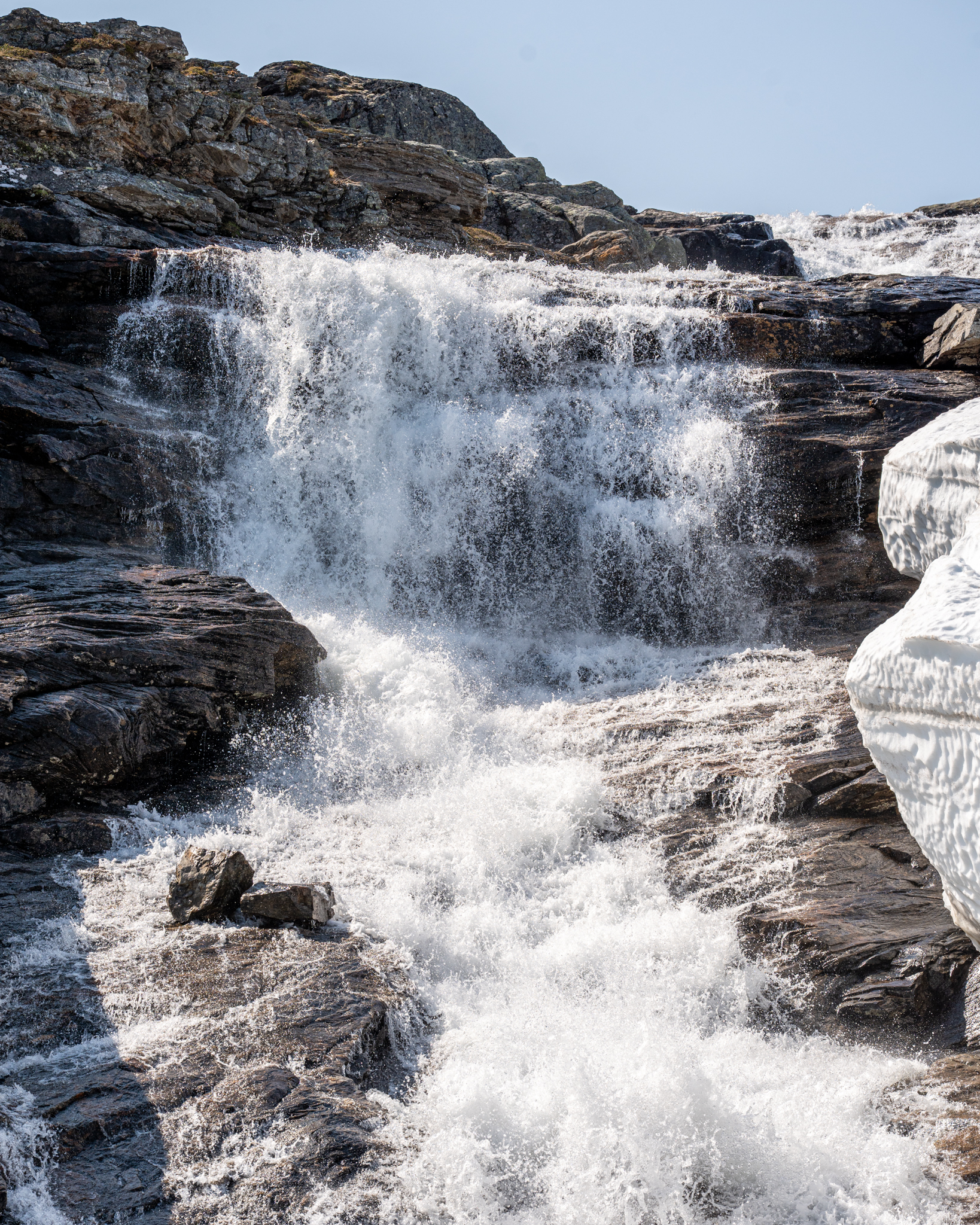
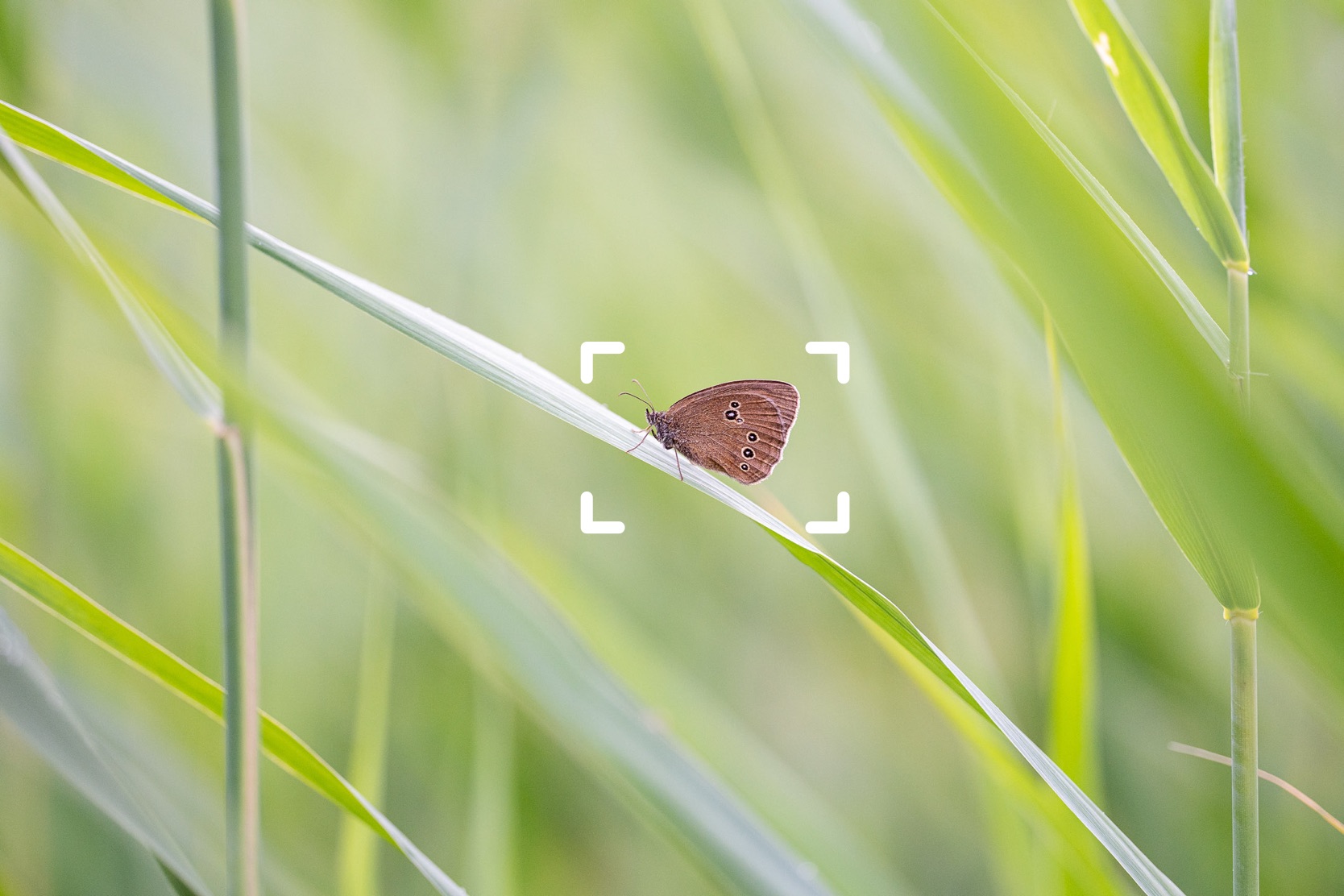
moderate colour temperature in harsh midday light (white balance setting daylight)
f/7.1 | 1/1250 sec | ISO 200 | 105 mm
Sony a7 IV | Sigma 105/2.8 DG DN Macro Art
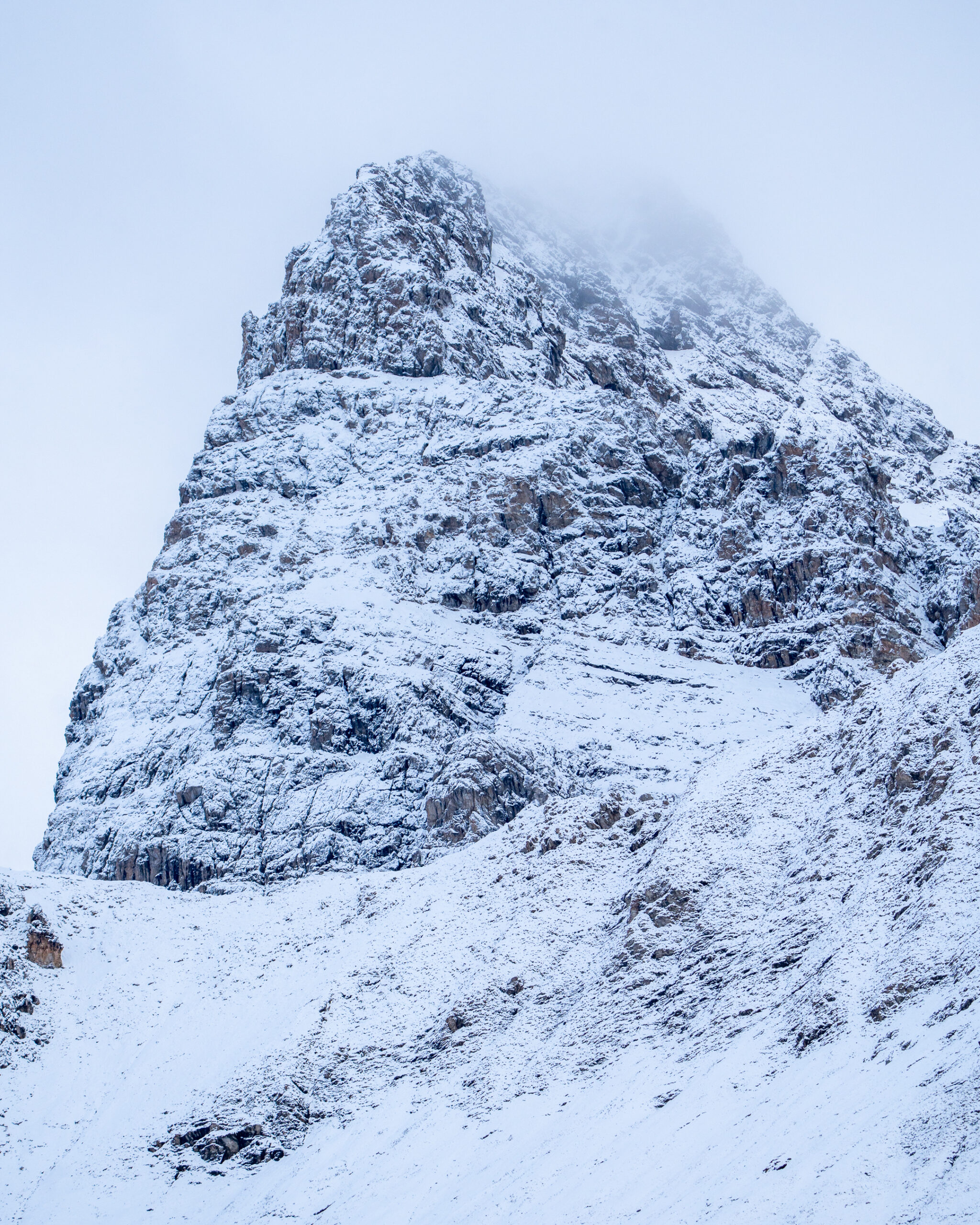
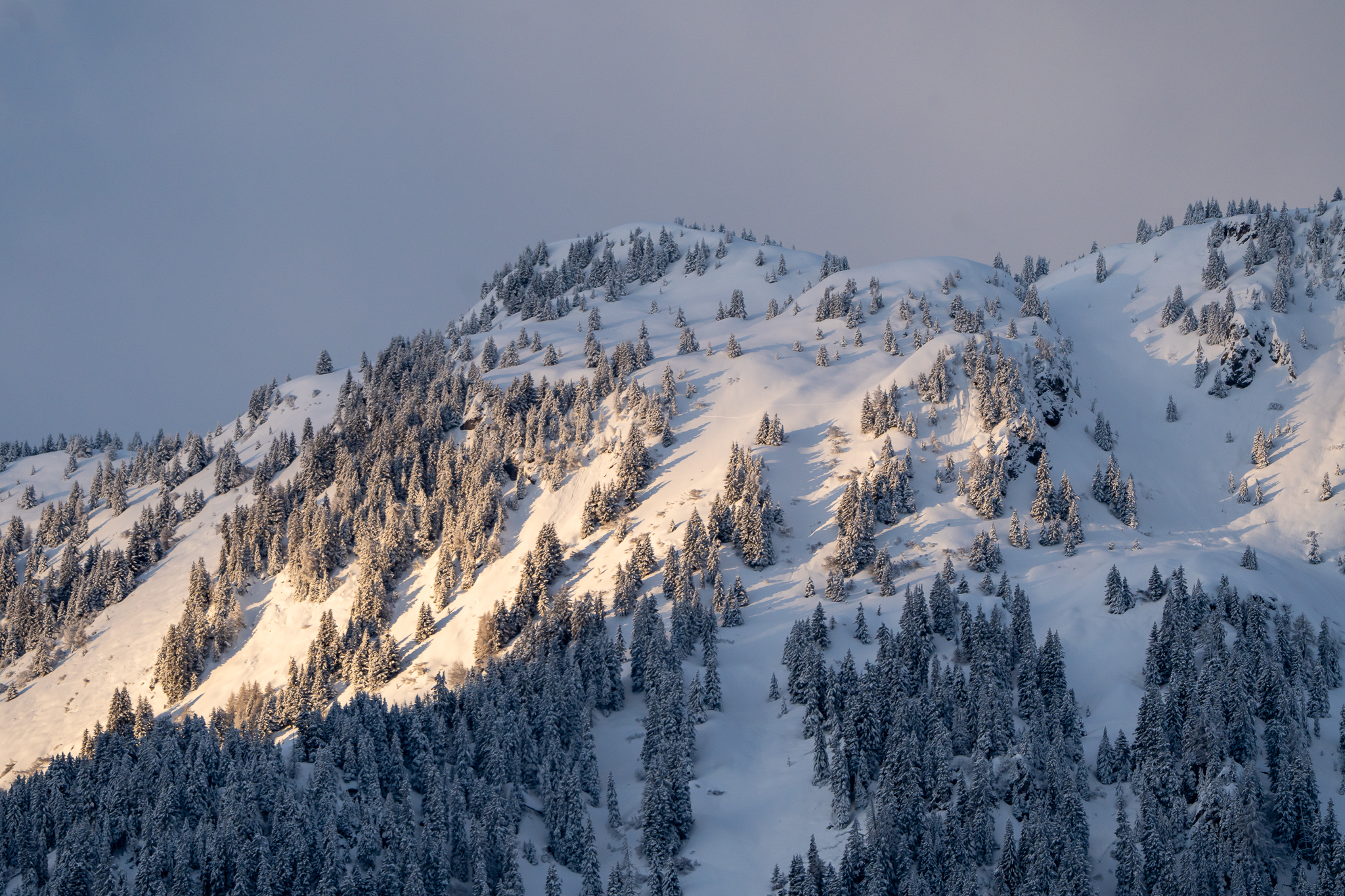
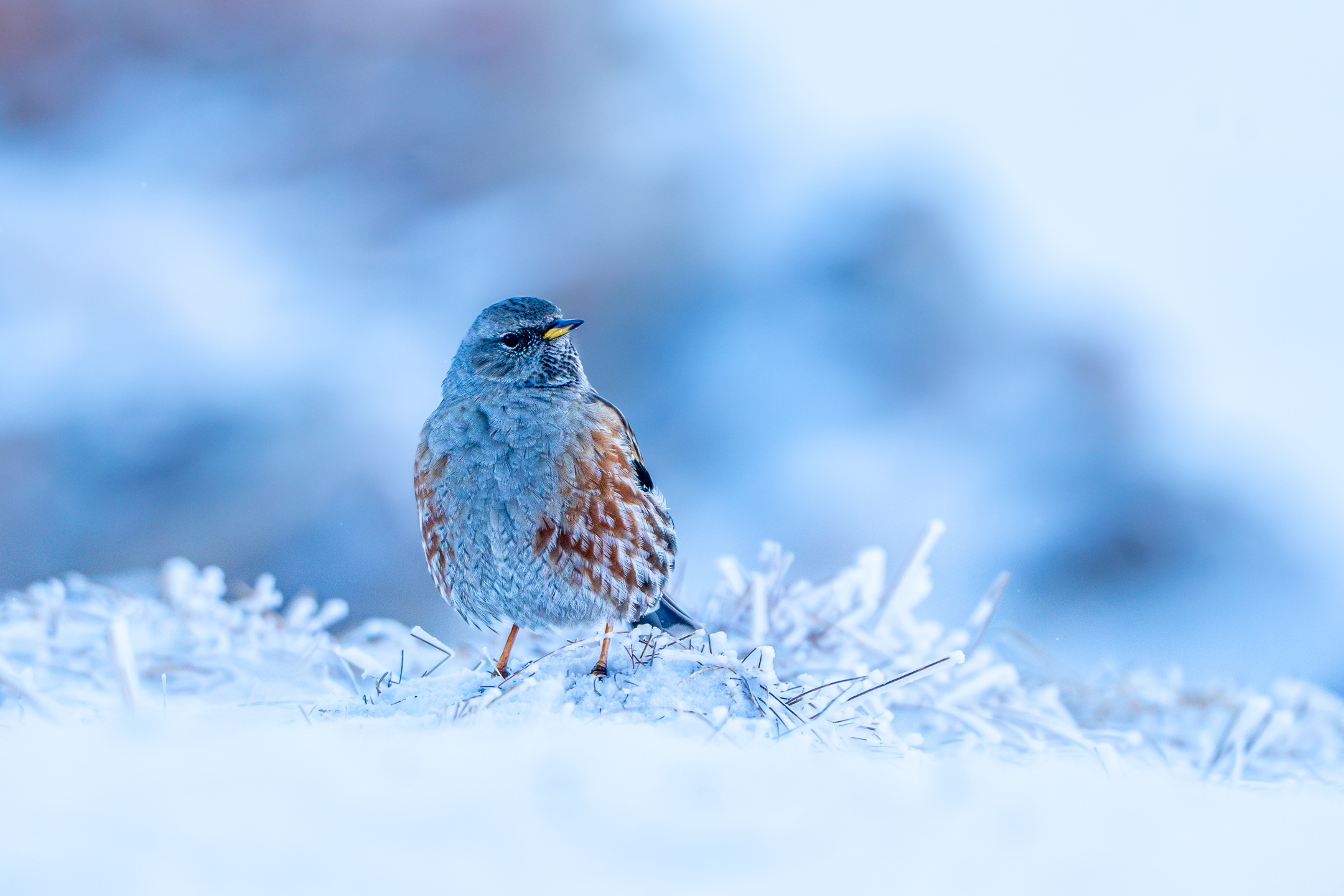
cool colour temperature in snow and fog (white balance setting cloudy)
f/6.3 | 1/1000 sec | ISO 250 | 200 mm
Sony a7 IV | Sony FE 200-600mm F5.6-6.3 G OSS
Manual white balance
At some point you may want to decide for yourself how the colours in your pictures look. Then it is worth setting the white balance manually. This is usually very easy: you tell your camera which colour should really be white. Manual white balance gives you more control and helps you capture exactly the mood you want. It is a bit like mixing colours when painting, because you decide how warm or cold your picture looks. [2]
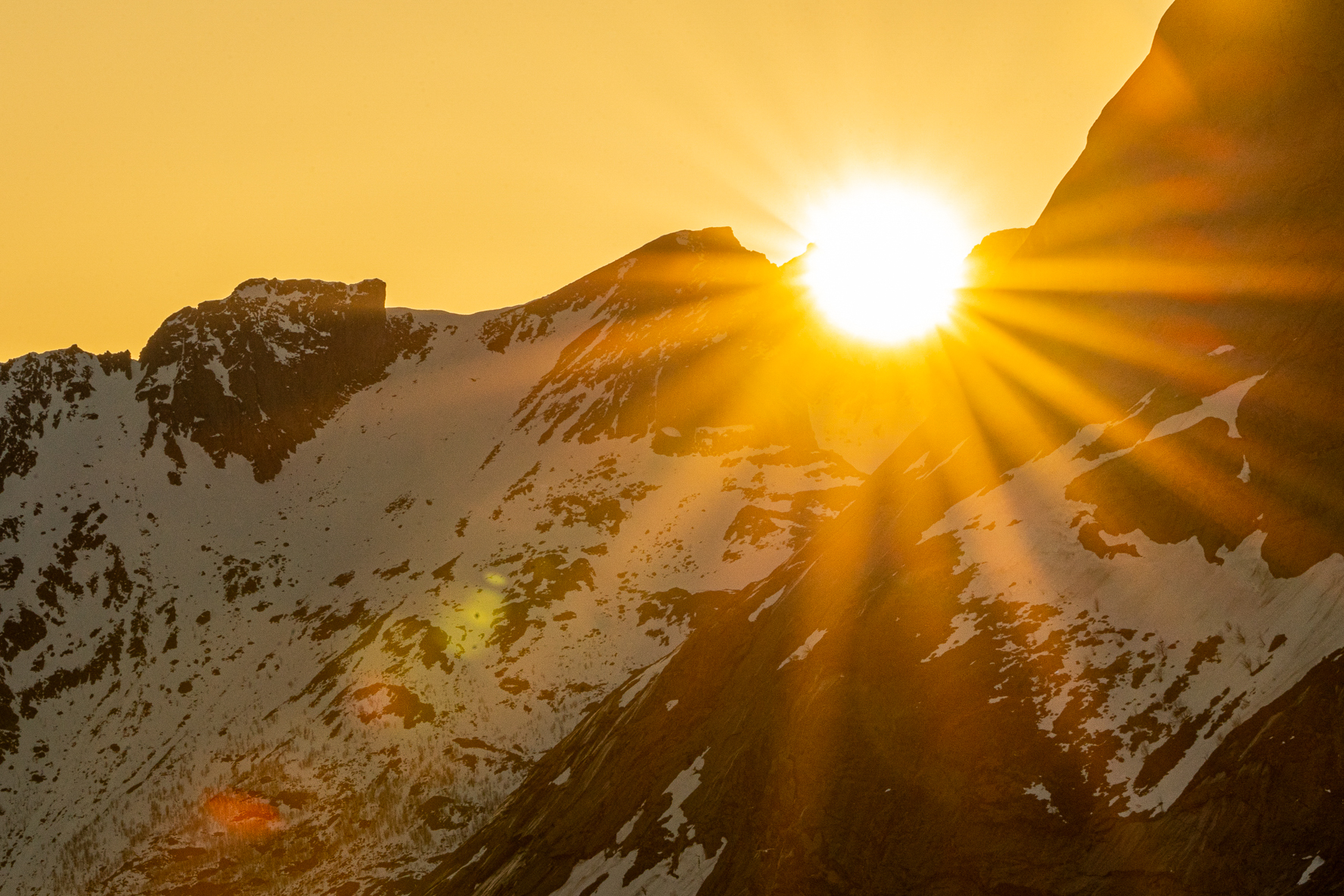
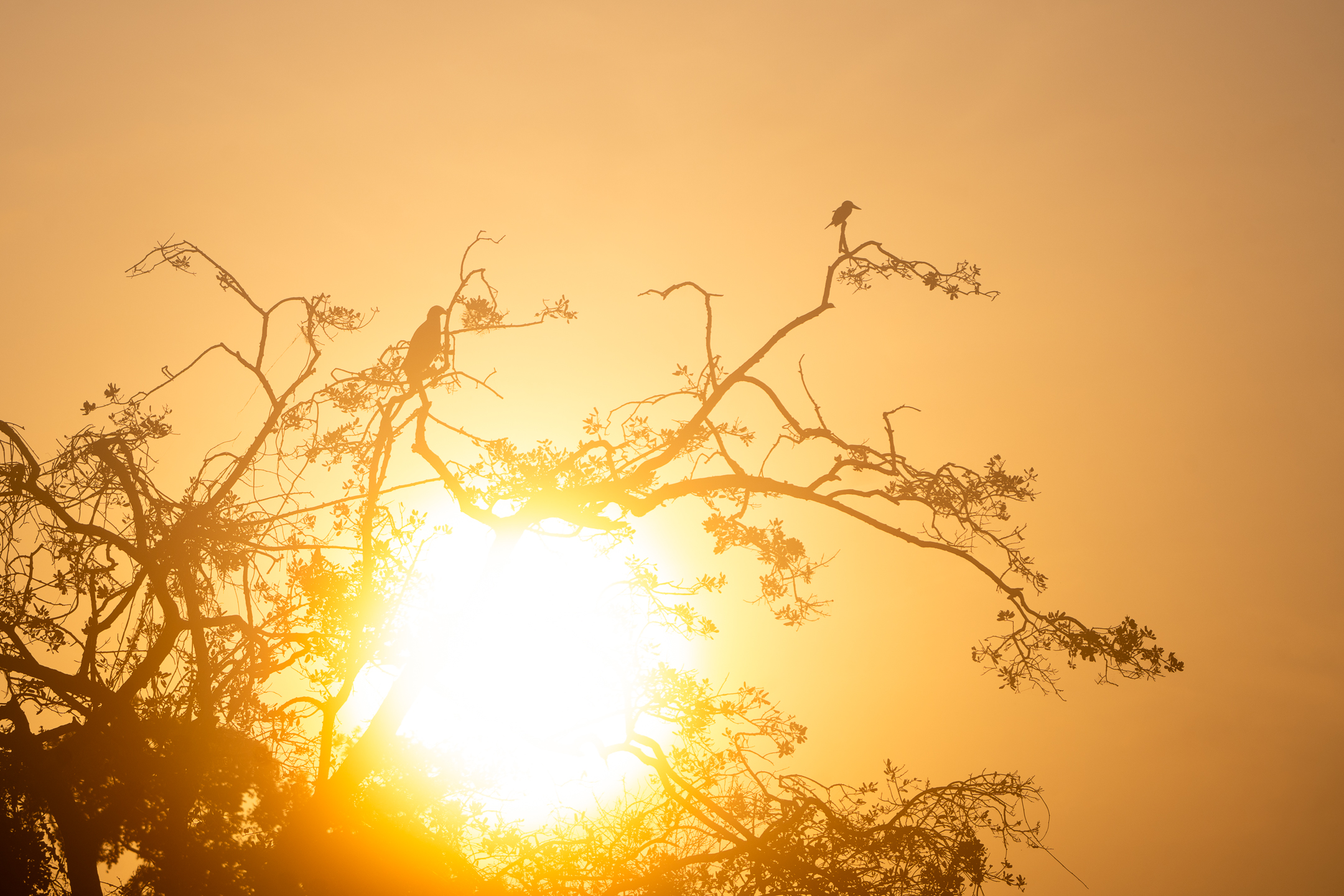
For this picture the white balance was deliberately set to evening sun to intensify the orange tone.
f/32 | 1/200 sec | ISO 800 | 200 mm
Sony a7 IV | Sony FE 200-600mm F5.6-6.3 G OSS
Correcting white balance afterwards
If you didn’t get the white balance quite right when taking a photo, that’s no problem. In post-processing you can often adjust the colours very easily. Programs such as Lightroom or Photoshop offer tools that let you shift the colour temperature until everything looks natural again. This way you can even rescue photos that were taken in the wrong light. Especially if you shoot RAW files, you have a lot of leeway with white balance. This is a big advantage over JPEGs, where the colour values are already fixed. [2]
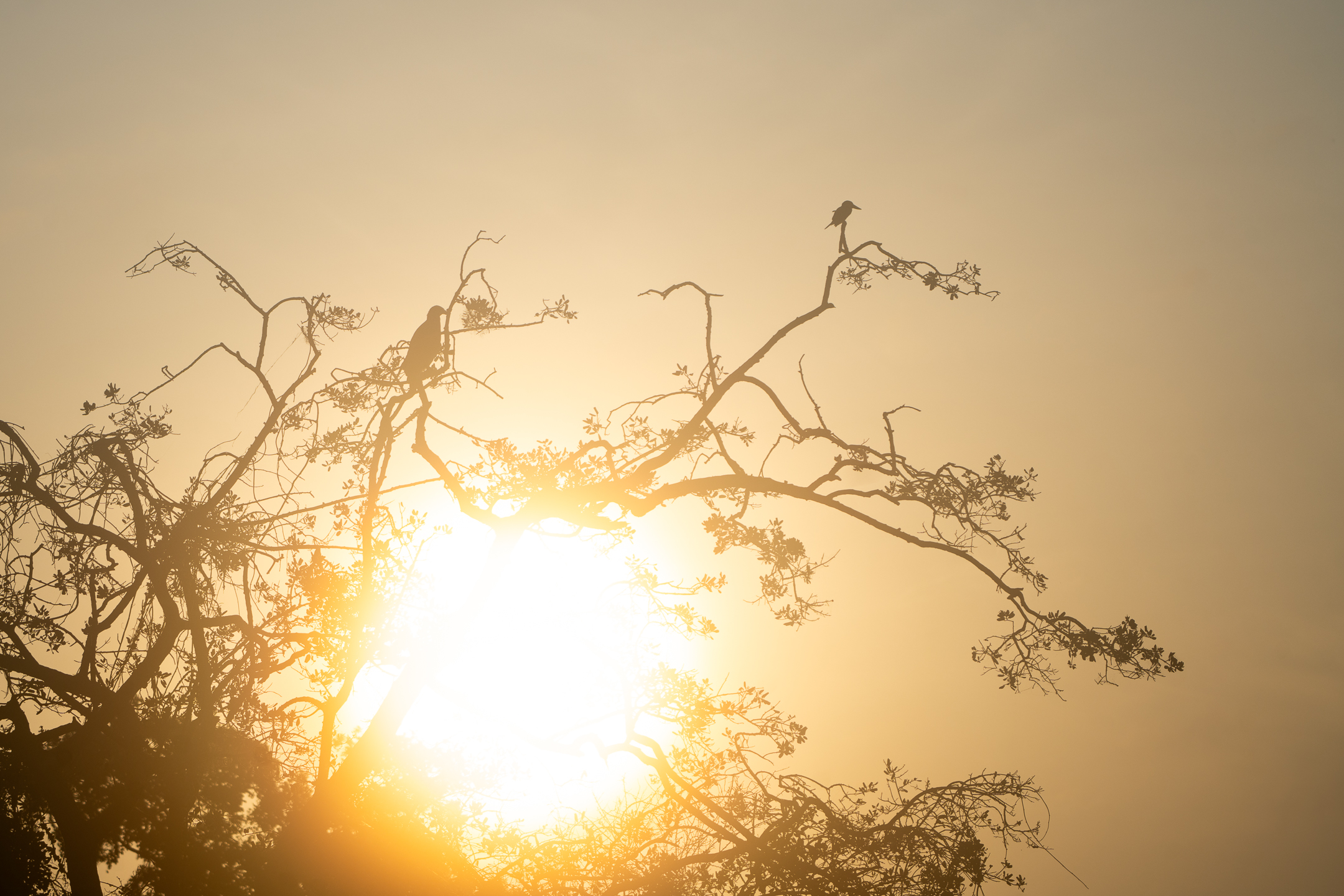
Without post-processing the picture lacks some warmth.
f/5.6 | 1/800 sec | ISO 100 | 215 mm
Sony a7 IV | Sony FE 200-600mm F5.6-6.3 G OSS
With post-processing the picture looks more vivid.
f/5.6 | 1/800 sec | ISO 100 | 215 mm
Sony a7 IV | Sony FE 200-600mm F5.6-6.3 G OSS
Further resources
Adorama. (2022, January 6). Understanding white balance | Mark Wallace [Video]. YouTube. https://www.youtube.com/watch?v=bjA0Zqs5KRY
Sources
- Pixolum. (2021, September 7). Weissabgleich verstehen und Kamera richtig einstellen. Fotoblog – Fotografie Tipps und Tutorials [in German]. https://www.pixolum.com/blog/fotografie/weissabgleich-farbtemperatur
- Thoma, M. (2025, May 21). Kamera Weissabgleich einstellen: Jedes Mal genaue Farben. MT Foto Journal [in German]. https://journal.markusthoma.com/kamera-weissabgleich-einstellen/